Quick Answer
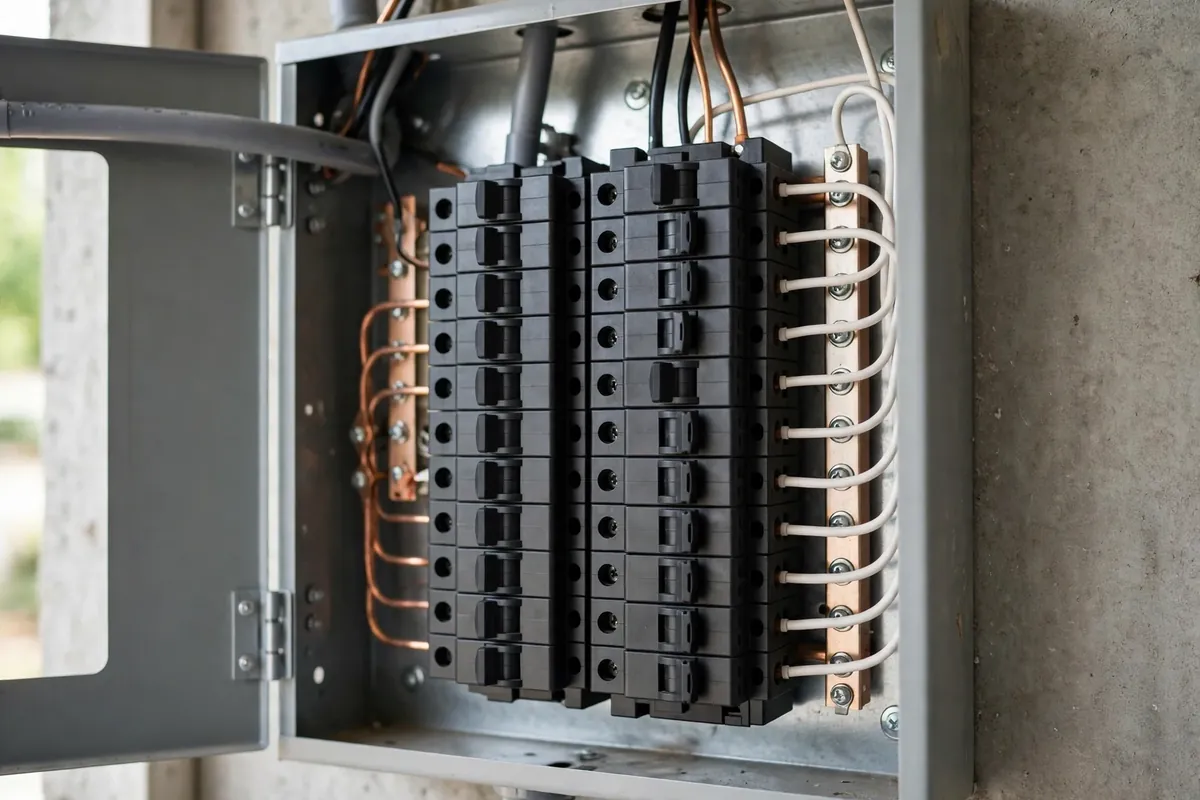
This guide is about ownership, not installation. Installation — panel, circuit, mounting, permits — is covered by the site's Tesla Wall Connector installation service page and by the what to expect during installation article, and the comparison with other brands lives in the Wall Connector versus ChargePoint article. What follows assumes the unit is on your wall and working, and answers the questions owners actually ask in the first months: the daily routine, the app, the lights, firmware, guests and second cars, and the small problems that look alarming and usually are not.
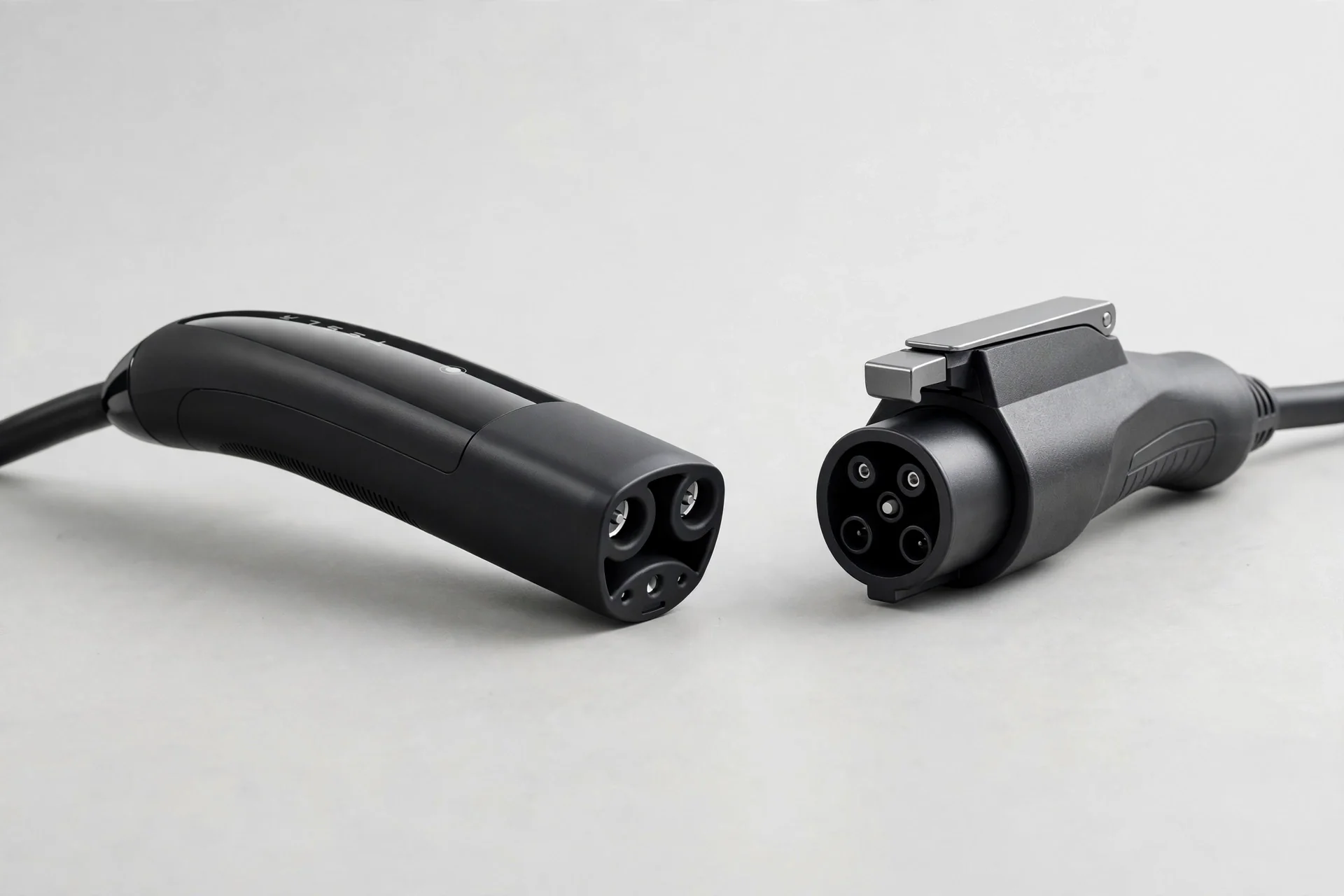
A note on models: this guide describes the current generation Wall Connector (Gen 3) and the Universal Wall Connector, which adds a built-in adapter for non-Tesla cars. Where the two differ — mainly the connector and which cars charge natively — the difference is noted. Older generations differ in app behaviour and sharing setup, and their manuals remain the authority for those units.
1. The Daily Routine
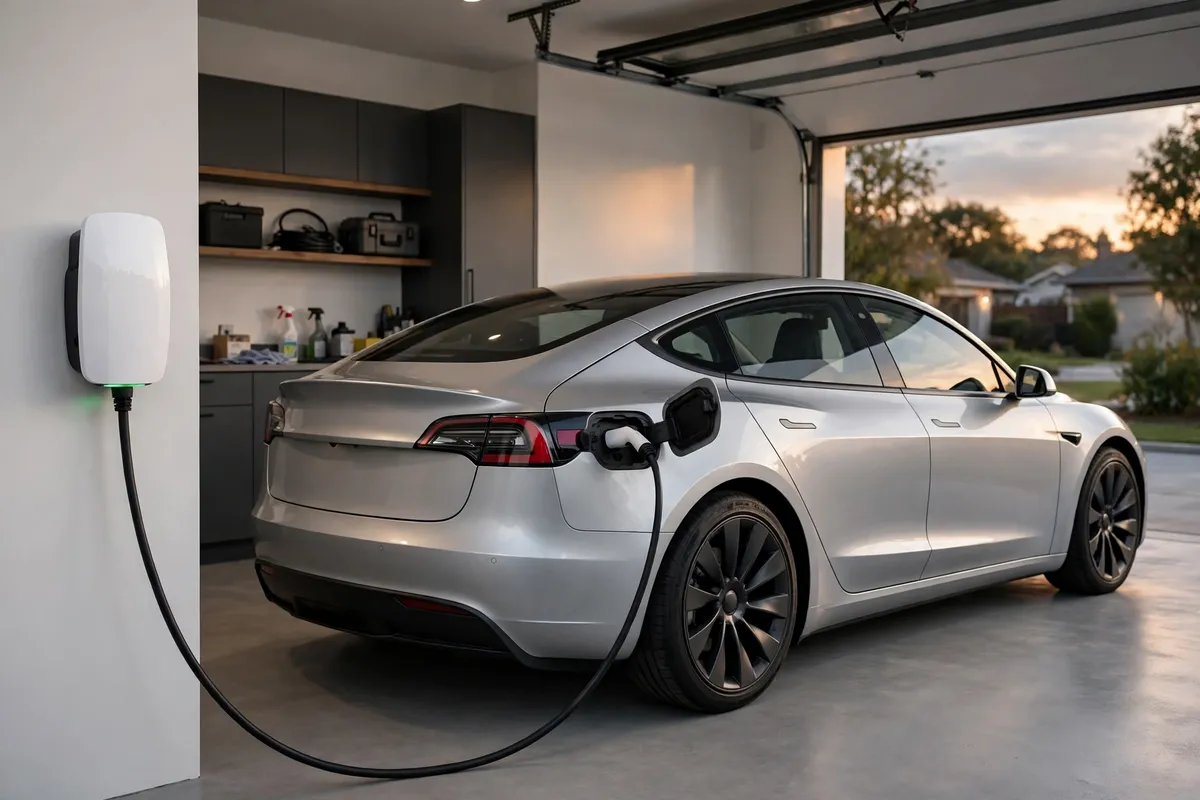
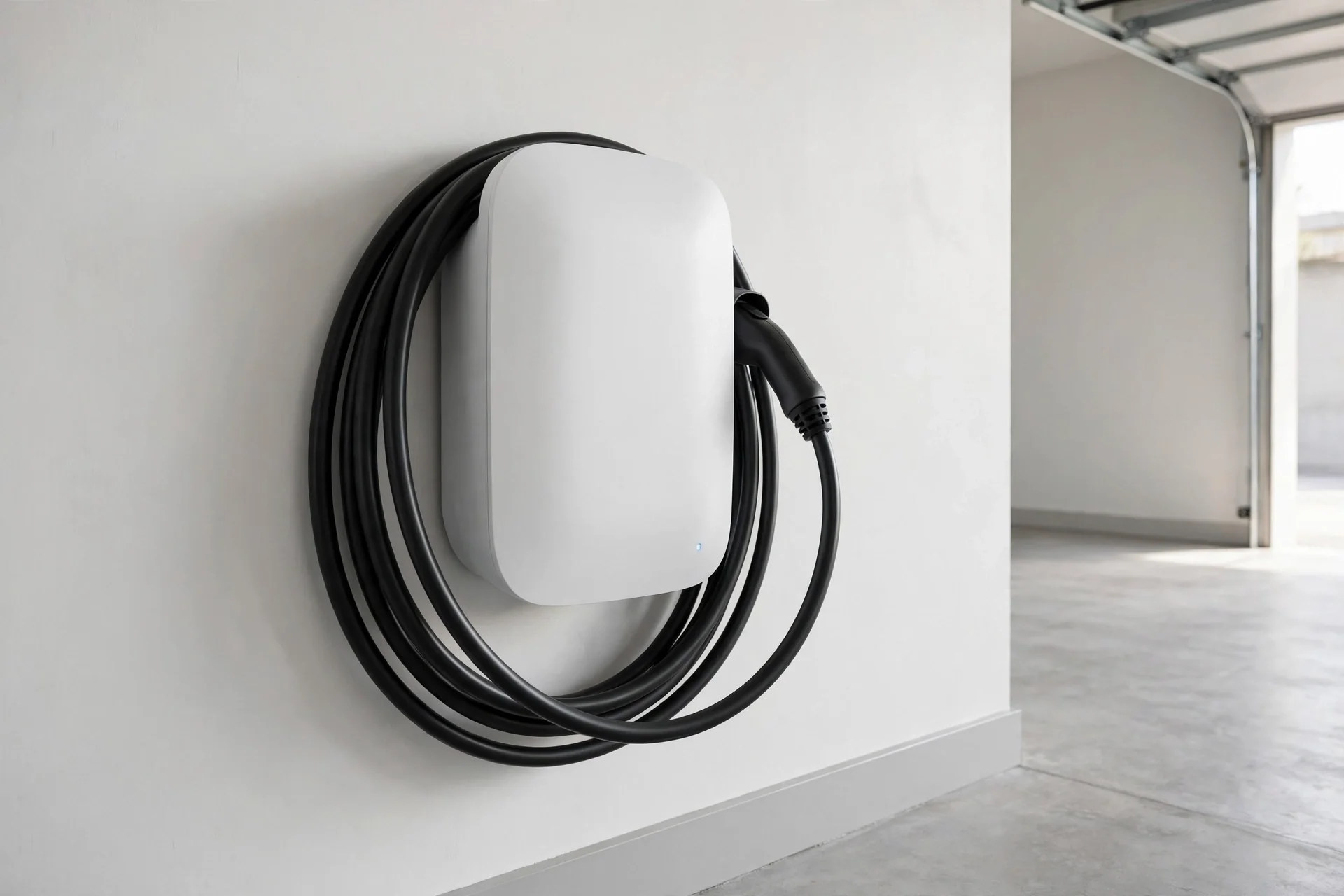
Daily use of a Wall Connector is deliberately uneventful. Park, take the handle from its dock, plug it into the car, and walk away. The light bar shows charging is underway, the car manages the session, and charging stops at the car's set limit. In the morning, unplug, return the handle to its dock, and go. The dock matters more than it looks: a handle left hanging fills with dust and rain outdoors, and a cable left on the ground gets driven over. The holster habit is the whole of Wall Connector care on an ordinary day.
The car's settings, not the charger's, govern the most important daily decisions: the charge limit for everyday driving and the departure schedule. Set those in the car during the first week, as the first EV beginner's guide describes, and let the Wall Connector do the simpler job of delivering power when the car asks for it. Owners who try to manage charging from both the car and the charger often create the double-schedule problem — two timers fighting — and the fix is the same here as everywhere: let one device own the schedule.
For non-Tesla cars on a Universal Wall Connector, the routine adds one step: the built-in adapter, which stays attached to the handle and mates with the car's port. Keep the adapter clean and seated, and store the handle docked so the adapter is not left dangling. For non-Tesla cars on a standard Wall Connector, an adapter supplied for the car is part of the kit — keep it in the car, not in a drawer, so it is there when it is needed.
2. App Settings Worth Configuring
The Wall Connector connects to Wi-Fi and is managed through its commissioning interface and, for vehicle owners, the Tesla app's charging features. The settings worth a deliberate choice, rather than accepting defaults blindly, are these:
Access control. This decides who can use the charger: any vehicle, only Tesla vehicles, or only specific vehicles you authorize. For a private garage, the open setting is fine. For a shared driveway, a condo parking space, or any location where the charger is reachable by others, restrict it from day one — an unauthorized session discovered later is harder to unwind than a setting configured at the start. Access control is also the setting that answers the "can my neighbour use my charger" question without a conversation.
Charging schedule. If the car does not already own the schedule, the charger can hold charging to chosen hours. Use one schedule, not both, as above. A schedule that finishes by departure is preferable to one that starts at a fixed hour where the system offers that choice.
Power sharing limit. This matters only with more than one Wall Connector, and it is covered in section 5 below. For a single unit, the installer's configured current limit should be left alone — it reflects the circuit that was installed, and raising it without checking the circuit is how breakers start tripping. If charging ever feels slow, check the schedule and the car's limit before suspecting the charger's current setting.
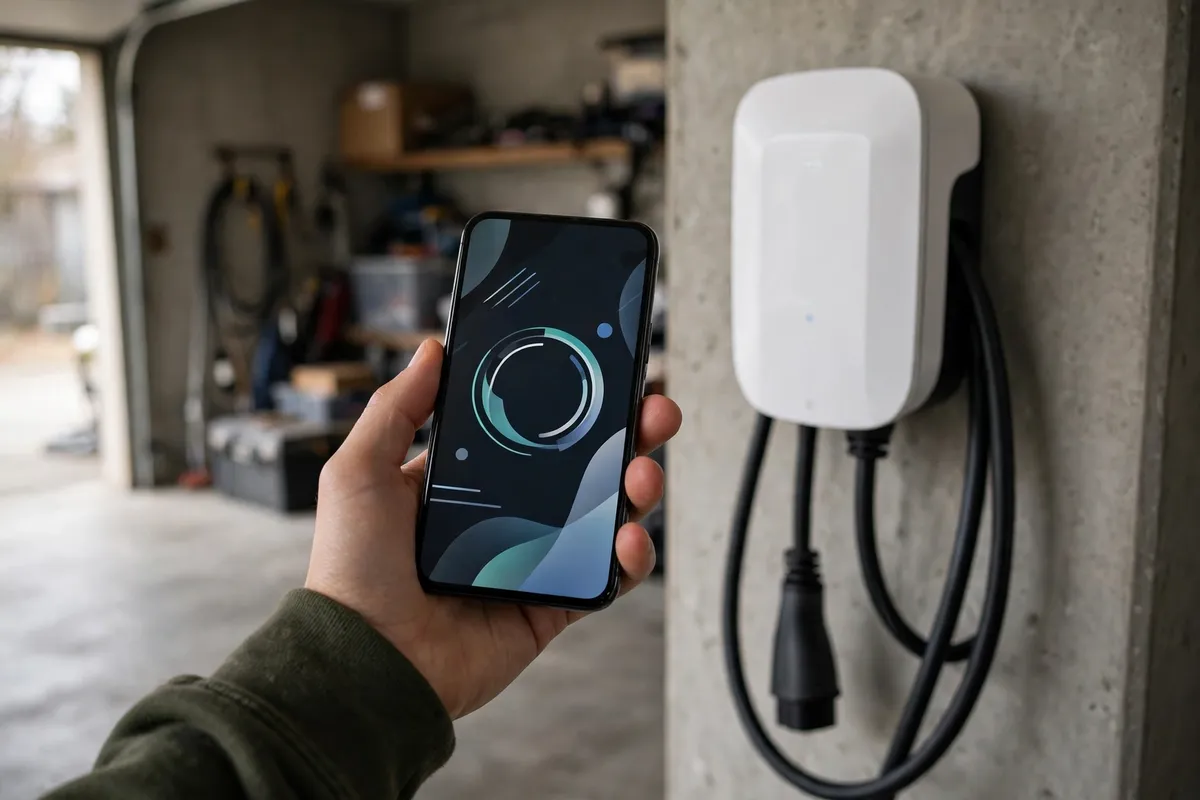
Notifications and monitoring. The app can show charging status, energy delivered, and session history. These are useful for spotting a pattern — a session that repeatedly stops early, for example — and for the simple satisfaction of seeing home charging quantified. They are not required for charging to work, and a charger that loses its Wi-Fi connection still charges; it simply stops reporting until the connection returns.
Wi-Fi setup itself is a one-time step, usually done during installation: the unit broadcasts a setup network, you connect, enter the home Wi-Fi details, and the unit joins the network. If the home Wi-Fi password changes, or the router is replaced, the unit will need rejoining — the symptom is a charger that charges normally but no longer appears in the app, and the fix is the setup process again, not a repair visit. Keep the unit's setup credentials recorded somewhere safe; they are needed for any later reconfiguration.
3. Reading the Light Bar
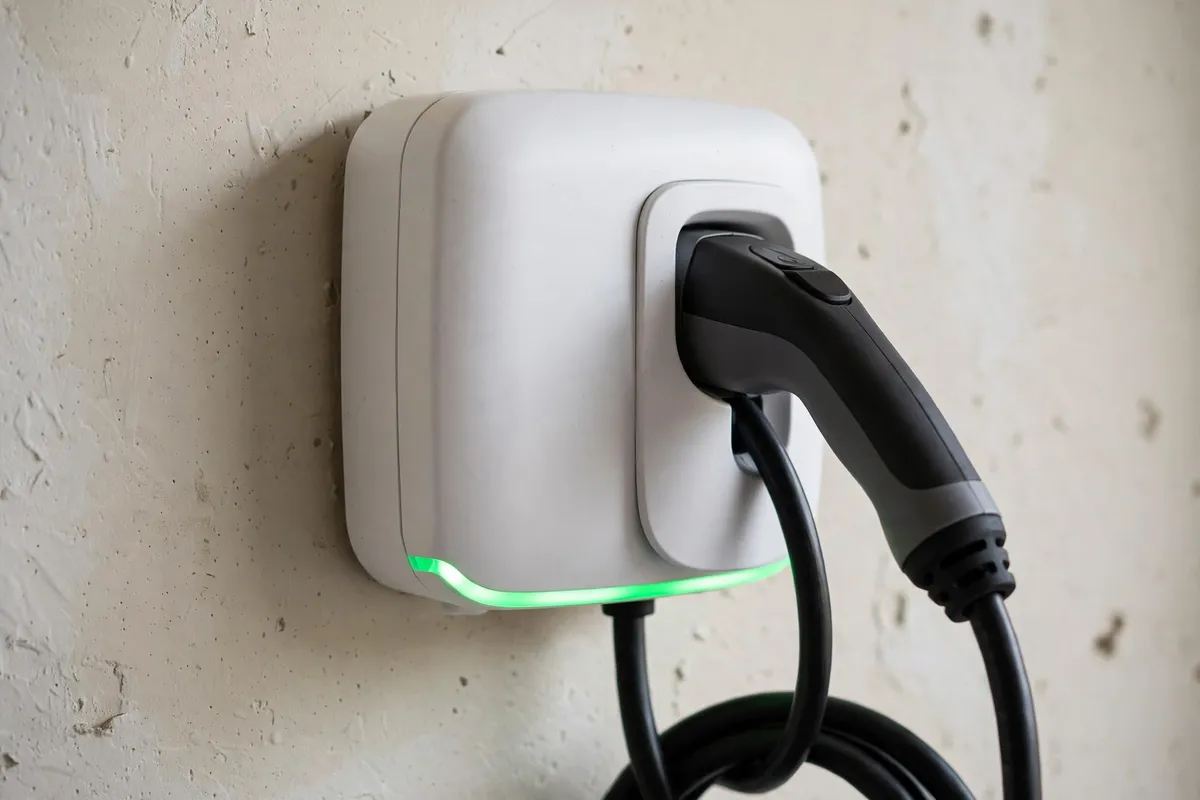
The Wall Connector's light bar is its main way of talking to you, and most of what it says is reassuring. A steady green flow or glow during charging means a session is running normally. A solid green at rest means ready. Other colours and patterns mean attention is needed, and the manual's light-code table is the authority — but the practical reading is simpler: any pattern that is new, or that accompanies a car that is not charging when it should be, is worth looking up in the manual before assuming a fault. Many patterns are informational — a scheduled session waiting for its window, a unit that has finished and is idle, a brief self-check after power returns — and the owner's manual distinguishes those from fault patterns in a page.
Two light situations deserve action rather than reading. A red pattern, or any pattern that persists after unplugging and replugging, should be checked against the manual and, if it indicates a fault, the unit should not be used until it is understood. A light bar that is dark when the unit should be powered suggests a power issue — check the breaker first, since a tripped breaker is the most common cause and the breaker-tripping guide covers the causes. Beyond the breaker, a dark unit is an electrician question, not a settings question.
4. Firmware Updates and Connectivity
The Wall Connector updates its firmware over Wi-Fi, and updates generally install without owner action. The practical implications are small but worth knowing: an update can briefly change the light pattern or restart the unit, which looks alarming if it happens mid-session and is harmless if it happens between sessions. If an update is pending and the unit is offline, it simply waits; charging continues on the current firmware. There is no owner task here beyond keeping the unit connected to Wi-Fi when convenient and not interrupting power during an update if one is visibly in progress.
Connectivity loss is the most common "fault" that is not a fault. A Wall Connector that charges normally but disappears from the app has lost its network connection, not its charging ability. The usual causes are a changed Wi-Fi password, a replaced router, a weak signal at the charger's location, or a power outage that left the unit and the router out of sync. Rejoining the network, or moving a Wi-Fi access point closer to the garage, resolves most cases. If connectivity loss is chronic — the unit drops off the network weekly — the signal at the location is the likely cause, and a network improvement beats repeated reconfiguration.
5. Sharing With a Second EV
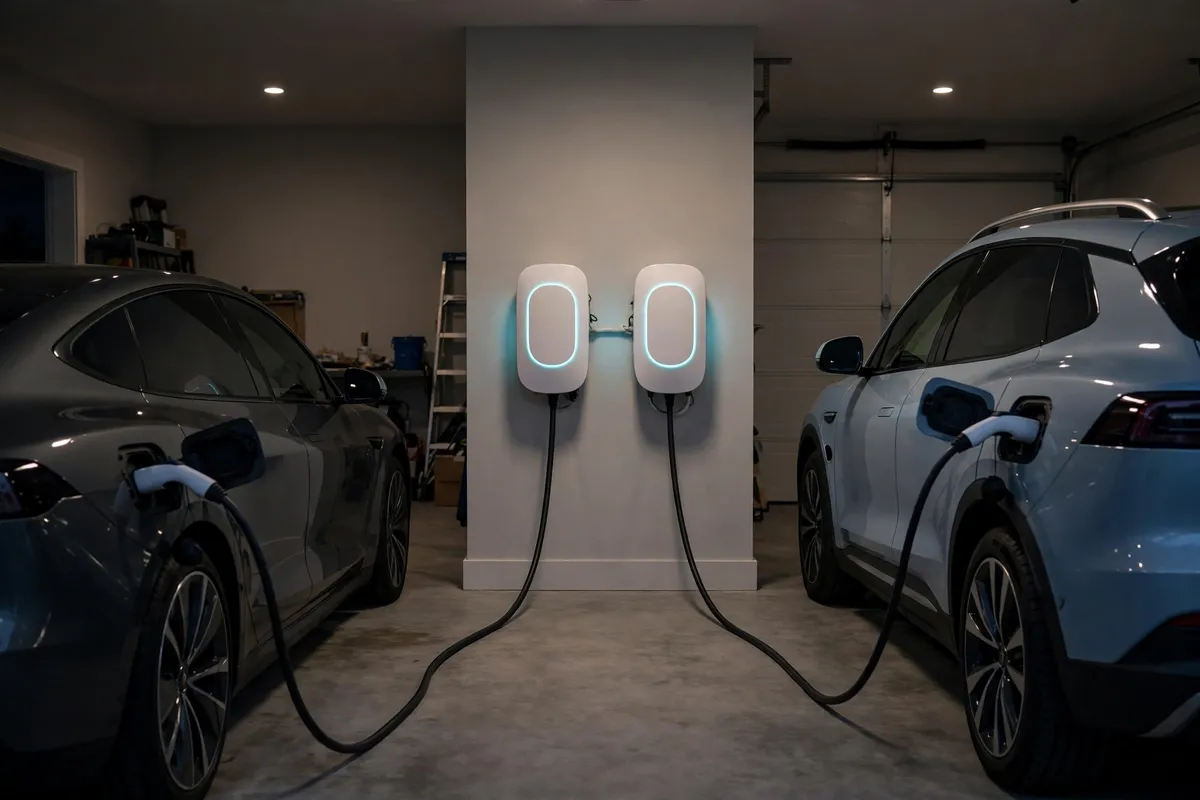
A second EV changes Wall Connector ownership from a single unit to a small system, and the Wall Connector's sharing feature — Group Power Management — is designed for exactly this. Multiple Wall Connectors, up to six in the current generation's design, can form a group that shares one managed power limit: one car alone charges at the group's full rate, two cars split it, and when one finishes or unplugs, the other speeds up. The combined draw never exceeds the group's limit, which is why sharing suits homes whose panels cannot feed two independent full-power circuits — the same logic our charging two EVs guide explains for chargers generally.
Setting up a group is an installer configuration, not an owner toggle: the units must be linked, the group's total limit set to match the circuit, and the sharing behaviour verified with both cars plugged in. If you are adding a second Wall Connector to an existing one, tell the installer a group is the goal before the visit, so the circuit and the unit configuration are planned together. If the second car is a non-Tesla, the Universal Wall Connector is the unit that serves both port types natively within a group; a mixed group needs its connector question answered at purchase time, not at installation time.
Daily life with a sharing group is unremarkable, which is the point: each car plugs into its own unit, the units divide the power, and both cars are ready in the morning for typical driving. The owner-visible difference is only on heavy nights, when both cars arrive nearly empty and both need a full charge — then the split means a longer night for both, and the remedy is the same as for any shared setup: plug in early, let the schedule run, and check the expected finish time the night before an early departure.
Access control interacts with sharing in one useful way: a group can be configured so that only authorized vehicles use it, which matters when the second unit sits in a shared or visible location. Set the access list when the group is created, and update it when a car changes.
6. Guests, Renters, and Temporary Use
Guests with EVs are a normal part of Wall Connector ownership, and the access setting decides how they are handled. With open access, a guest plugs in like any car. With restricted access, add the guest vehicle temporarily and remove it after, or use the car's own guest arrangement if the unit supports it. For a longer guest stay, a conversation about charging hours and the household's schedule avoids the double-schedule problem a guest's car settings can introduce — a guest car with its own departure timer can surprise the host's routine.
Renters and landlords face the same questions as condo owners: who owns the unit, who pays for the electricity, and what happens at move-out. A Wall Connector is typically a fixture of the property once installed, and the installation's ownership should be settled in writing before the work, not at the end of a tenancy. At move-out, remove the unit from its app account and reset it, as with any charger handover — the replacement guide's disposal and handover section covers the steps.
7. Everyday Issues and Their Fixes
Most Wall Connector issues owners meet are settings or environment, not hardware. A car that did not charge overnight: check for a second schedule, then the breaker, then the connector seating. A charger that charges slowly: check the car's limit and schedule, then whether the unit has slowed for heat — the noise and heat article explains the heat behaviour — and only then suspect the current setting. A unit that lost its app connection: check Wi-Fi, as in section 4. A connector that feels stiff or seats poorly: check for dirt or debris in the connector and the car's port, and clean both dry. A unit that trips its breaker: stop, and use the tripping guide's causes before resetting repeatedly — a breaker that trips twice is telling you something.
The line for calling a professional is the same as for any charger: heat beyond mild warmth, damage to cable or connector, burning smell, repeated tripping, water entry, or any fault pattern the manual does not explain away. Within that line, owners can confidently manage settings, schedules, access lists, and Wi-Fi. Beyond it, the unit is an electrical device, and the right move is an electrician's visit, not a deeper dive into settings.
Key Takeaways
- Daily Wall Connector use is simple: plug in, let the schedule run, dock the handle, and read the light bar only when something looks different.
- Configure access control from day one in any shared or visible location; leave the installer's current limit alone.
- Own the schedule in one place — the car or the charger, never both — and prefer a finish-by-departure schedule where offered.
- A green light bar in its normal patterns means charging or ready; a new or persistent red pattern, or a dark unit, needs the manual and, for power issues, the breaker check.
- Firmware updates install over Wi-Fi and need no owner action; a charger that charges but disappears from the app has lost Wi-Fi, not charging ability.
- A second EV means a power-sharing group of Wall Connectors under one managed limit, configured by the installer, with the Universal model serving non-Tesla cars natively.
- Guests, renters, and handovers are access and account questions — settle them in advance and reset the unit at handover.
- Heat, damage, burning smell, repeated tripping, or an unexplained fault pattern are electrician questions, not settings questions.
How do I stop other people from using my Wall Connector?
Use the access control setting: restrict the unit to Tesla vehicles only, or to specific vehicles you authorize, rather than leaving it open to any vehicle. This is worth configuring from day one in any shared driveway, condo parking space, or location where the charger is reachable by others. For a private garage, the open setting is fine, and guests can be added temporarily when they visit.
Why does my Wall Connector charge but no longer appear in the app?
It has lost its Wi-Fi connection, not its charging ability — charging continues on its current settings while reporting stops. The usual causes are a changed Wi-Fi password, a replaced router, a weak signal at the garage, or a power outage that left the unit and router out of sync. Rejoin the unit to the network through its setup process, and if the loss keeps recurring, improve the Wi-Fi signal at the charger's location rather than reconfiguring repeatedly.
Can a Wall Connector charge a non-Tesla EV?
Yes. The Universal Wall Connector carries a built-in adapter that mates with non-Tesla cars natively, and a standard Wall Connector serves a non-Tesla car with an adapter supplied for that car. Keep the adapter with the car or attached to the handle so it is there when needed, and keep it clean and seated. For a household with both Tesla and non-Tesla cars, the Universal model is the straightforward choice for a shared or second unit.
What does a red light pattern on my Wall Connector mean?
A red pattern, or any pattern that is new and persists after unplugging and replugging, means the unit needs attention — check the pattern against the manual's light-code table first, since some patterns are informational and some indicate a fault. Do not keep using a unit showing a fault pattern until it is understood, and check the breaker if the unit is dark when it should be powered. Heat, damage, or repeated tripping alongside any light pattern are electrician questions.
Do I need to update my Wall Connector's firmware myself?
No. Firmware updates arrive over Wi-Fi and install without owner action, and charging continues on the current firmware while an update waits for connectivity. An update may briefly change the light pattern or restart the unit, which is harmless between sessions. The only owner task is keeping the unit connected to Wi-Fi when convenient and not interrupting power while an update is visibly in progress.
How does power sharing work if I add a second Wall Connector?
The units form a managed group with one total power limit matched to their circuit, and they divide that limit among whichever cars are plugged in: one car alone receives the full rate, two cars split it, and when one finishes or unplugs, the other speeds up automatically. The group is configured by the installer, including its total limit and verification with both cars plugged in, so tell the installer a group is the goal before adding the second unit.
Related Posts
- Tesla Wall Connector vs ChargePoint Home Flex
- Charging Two EVs at Home: One Charger or Two?
- First EV? A Beginner's Guide to Charging at Home
- EV Charger Keeps Tripping the Breaker? Causes and Fixes
Already own a Wall Connector and want a second unit, or a sharing setup? Call now at (407) 555-0100 — we configure the group, the access list, and the schedule across Orlando.
Sources consulted: Tesla Wall Connector Gen 3 and Universal Wall Connector owner documentation, including Group Power Management, access control, and status light guidance; NEC Article 625 EV charging system provisions.