Quick Answer
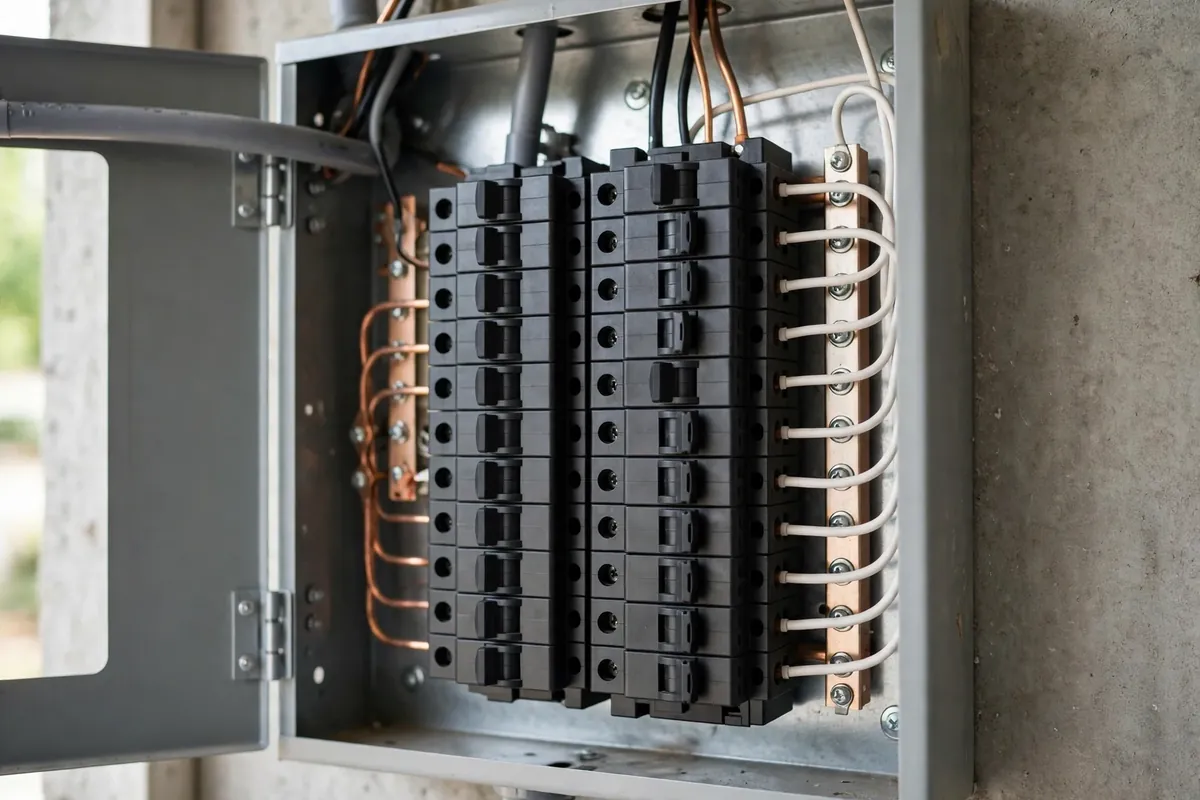
Home EV chargers need little maintenance, but not zero. Monthly visual inspections of the cable, connector, and mounting, plus keeping the unit clean, dry, and software-updated, prevent most problems. In Florida, sun and storm exposure deserve extra attention for outdoor units. Persistent error codes, breaker trips, or signs of heat damage are signals to call a professional rather than troubleshoot further.
1. Why Maintenance Matters
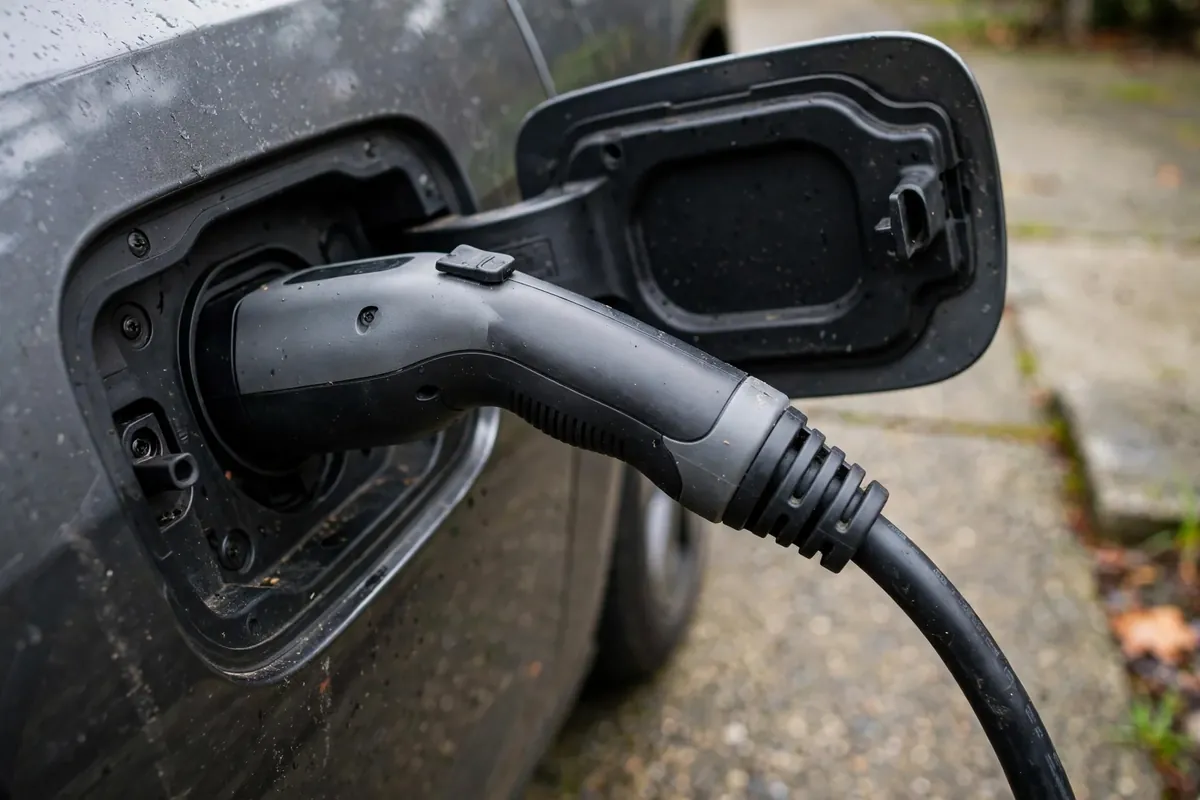
A Level 2 home charger is a piece of electrical infrastructure that runs a high-current load for hours, night after night, for years. It has no moving parts to wear out, which is why manufacturers describe it as low-maintenance — and it genuinely is. But "low-maintenance" is not "no-maintenance." Connections loosen with thermal cycling, cables get run over and kinked, outdoor units bake in the Florida sun, and software needs updates.
The payoff for a few minutes of attention is straightforward: reliable charging every morning, early warning of problems while they are small, and a unit that reaches its full expected service life. The cost of neglect is the opposite: a dead charger discovered at 10 PM before a morning road trip.
2. Monthly Visual Checks: The Five-Minute Routine
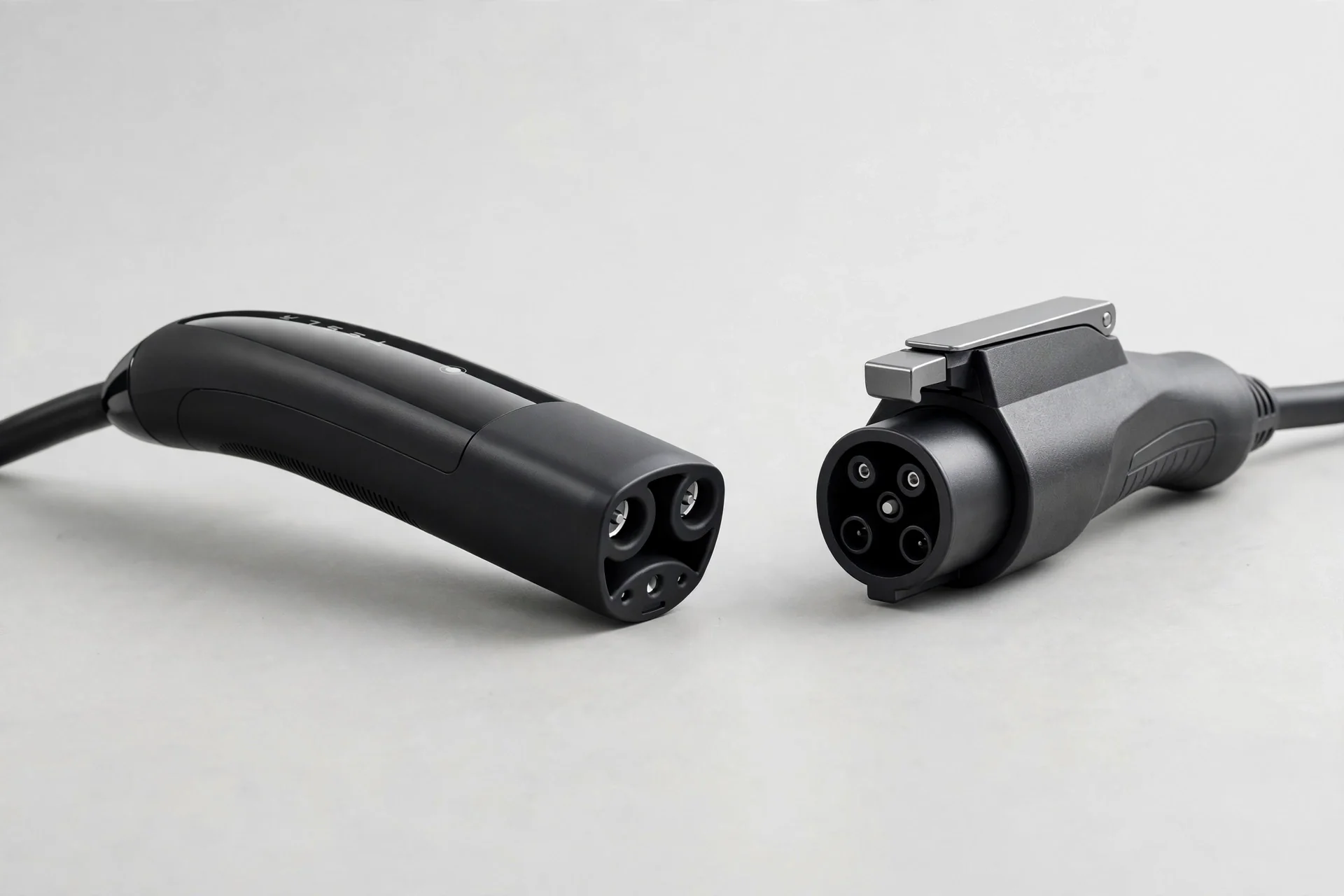
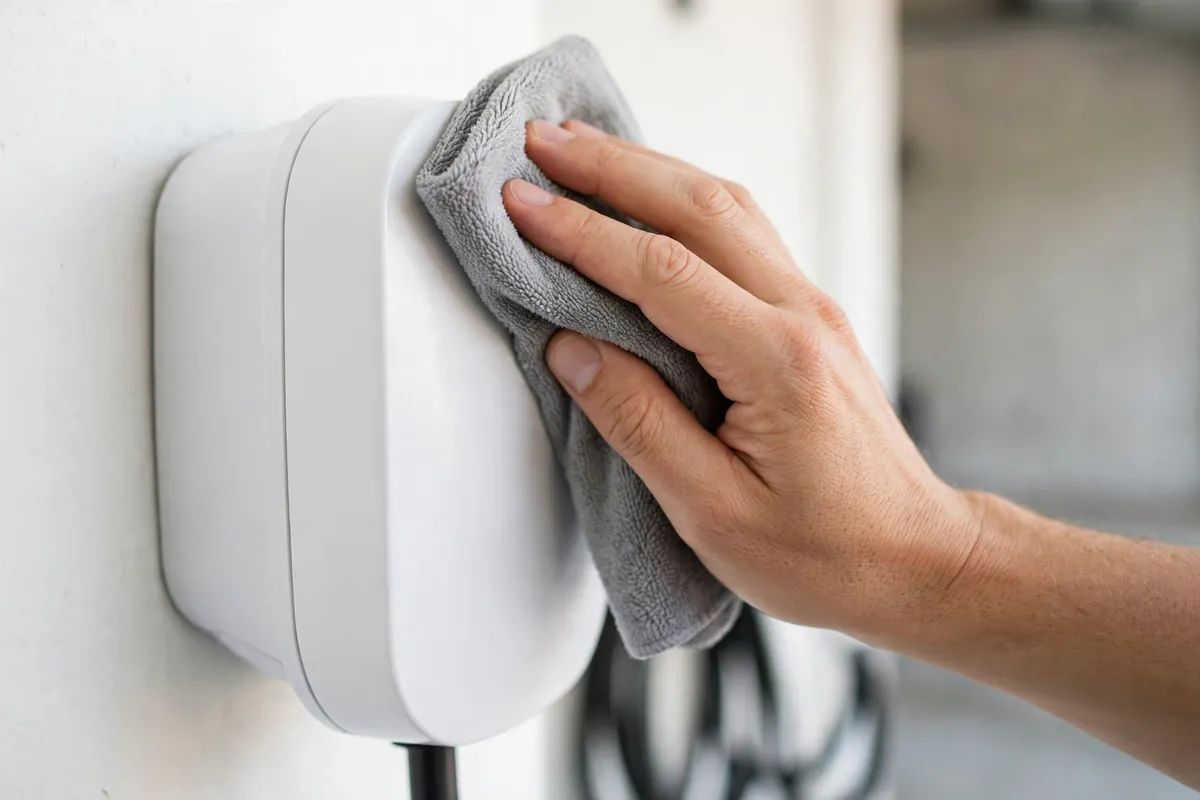
Once a month, give your charger a quick once-over. You are looking for changes — anything that looks different from when it was installed:
- The charging cable. Run your eyes along its full length. Look for cuts, cracks, kinks, flattened spots, or chew marks from pets or rodents. The cable carries high current; damaged insulation is a safety issue, not a cosmetic one.
- The connector (the plug). Check the pins for discoloration, pitting, or melting. The connector should seat firmly in the car's charge port with a solid click — a loose or wobbly fit deserves attention.
- The wall unit. Look for cracks in the housing, discoloration, or signs of water intrusion. Make sure the mounting is still solid — the unit should not wobble when you handle the cable.
- The holster and cable management. Confirm the connector docks cleanly and the cable hangs without sharp bends or ground contact.
- Indicator lights. Most chargers communicate status through lights. Learn what your unit's normal pattern looks like so an abnormal pattern catches your eye.
If anything looks wrong, photograph it. Photos help a technician diagnose the issue and document it if a warranty conversation follows.
3. Cable and Connector Care
The cable is the most-handled part of the system and the most common failure point. Treat it well:
- Never yank the cable to unplug. Grip the connector handle, press the release, and pull straight out.
- Do not drive over the cable. This sounds obvious until the cable is stretched across the driveway because the charger is on the far wall. Route it so the car cannot roll over it, and consider a ceiling-mounted cable retractor or wall holster that keeps it off the ground.
- Avoid tight coils and sharp bends. Loose loops are fine; kinking the cable stresses the conductors inside.
- Keep the connector clean and dry. Wipe it occasionally with a dry cloth. Do not blast it with a hose. If the connector gets wet in a storm, let it dry fully before use and inspect it first.
- Dock it every time. A connector left dangling or lying on the garage floor collects dirt, gets stepped on, and degrades faster. The holster exists for a reason — use it.
4. Keep Software and Firmware Updated
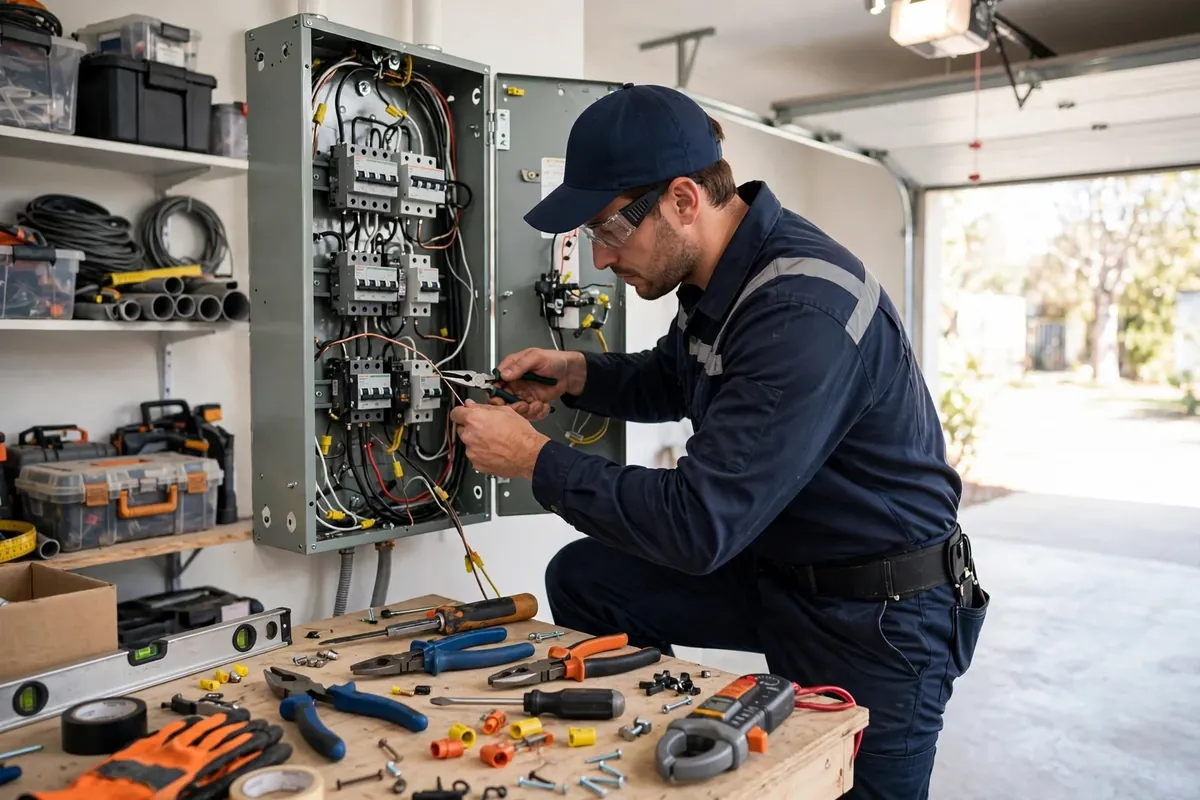
Modern Level 2 chargers are connected devices, and manufacturers release firmware updates that fix bugs, improve charging reliability, and occasionally add features. An update you skip can be the difference between a charger that works with your new car's software and one that throws errors.
- Connect the charger to Wi-Fi during installation and keep it connected. Most units update automatically when online.
- Check the app periodically for pending updates or notifications you may have missed.
- Keep the companion app updated on your phone as well — app and firmware versions sometimes need to match.
- After a major update, run a test charge and confirm your scheduled charging windows are still set correctly. Updates occasionally reset preferences.
If your charger loses Wi-Fi connectivity, troubleshoot the network side first — the charger usually cannot fix what it cannot reach.
5. Outdoor Chargers: Florida Weather Considerations
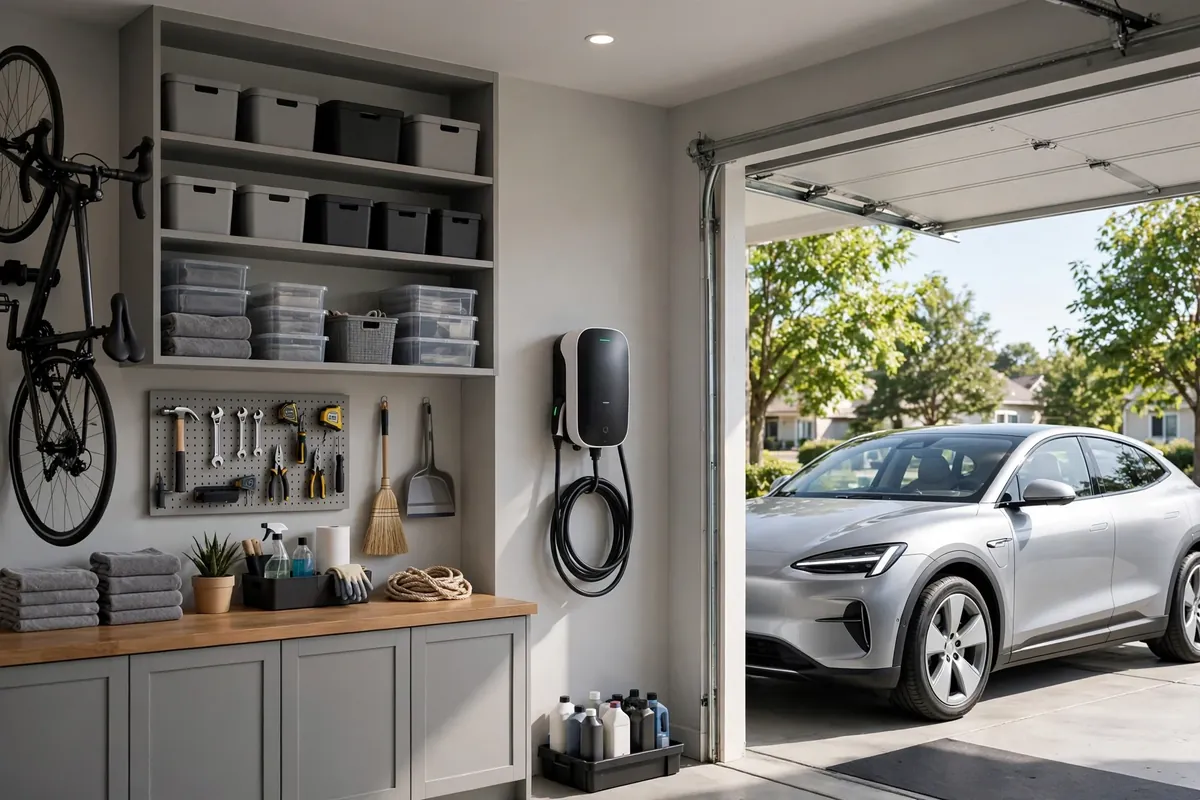
Many Orlando-area chargers live outdoors — on the side of the house, a garage exterior wall, or a post near the driveway. Quality home chargers are built weather-resistant, but Florida weather is a serious test:
- Sun. Direct afternoon sun bakes the housing and the cable. If possible, install on a shaded wall or add a simple protective cover that does not trap heat. UV degrades cable jackets over time — inspect sun-exposed cables more closely.
- Rain. A properly installed outdoor charger handles rain, but check that seals and gaskets remain intact and that water is not pooling around the base or in the holster.
- Storms and hurricanes. Before a major storm, you can unplug and secure the connector; there is no need to remove a hardwired unit. After a storm, inspect for physical damage, water intrusion, and debris impact before resuming use. If the unit took a direct hit or was submerged, have it checked by a professional before energizing.
- Lightning. Whole-home surge protection is worth discussing with your electrician — it protects the charger along with everything else in the house. After nearby lightning strikes, check that the charger powers up and behaves normally.
6. Troubleshooting Basics
When something seems off, work through these in order before assuming the worst:
Charger has no power / won't turn on. Check whether the breaker tripped and whether the unit's indicator lights show anything. A tripped breaker that resets and holds may have been a one-time event; one that trips repeatedly is telling you something.
Charging is slower than expected. Check the charger's configured amperage setting and your car's charge limit settings — a surprising number of "slow charging" complaints trace to a car set to a low charge limit or a charger configured below its capability. Also check whether scheduled charging is delaying the start.
Breaker keeps tripping. Stop resetting it and investigate. Repeated tripping means the breaker is doing its job — protecting the circuit from something. Common causes include a failing breaker, a loose connection heating up, or (on plug-in setups) GFCI nuisance tripping. This is a call-a-professional situation, not a keep-resetting situation.
Error codes on the charger or app. Note the exact code and check the manufacturer's documentation — many codes map to specific, simple causes like a communication glitch or a temperature warning. If the code persists after the documented reset procedure, call for service.
Wi-Fi / app connectivity issues. Reboot your router, confirm the charger is within Wi-Fi range (garages at the far end of the house are notorious dead zones), and consider a mesh node or extender near the garage. The charger will usually keep charging on its last schedule even when offline — connectivity affects monitoring and updates, not basic charging.
Burning smell, scorch marks, or melted plastic. Stop using the charger immediately, turn off the breaker if you can do so safely, and call a licensed electrician. Do not resume use until it has been inspected.
7. When to Call a Professional
Handle the basics yourself; hand off anything involving the electrical system:
- Repeated breaker tripping or a breaker that feels hot.
- Any sign of heat damage: discoloration, melting, warping, burning smell.
- Error codes that persist after the manufacturer's reset steps.
- Physical damage to the unit, cable, or connector beyond surface dirt.
- Water intrusion into the charger housing.
- Anything that requires opening the charger or the electrical panel.
And the annual habit worth building: have your electrician give the charger circuit a quick check during any other electrical visit — thermal inspection of connections takes minutes and catches loosening before it becomes a problem.
For repairs beyond basic maintenance, see our EV charger repair service page.
Key Takeaways
- Monthly five-minute visual checks — cable, connector, housing, mounting, indicator lights — catch most problems early.
- Handle the cable gently: no yanking, no driving over it, no sharp kinks, dock it every time.
- Keep firmware and the companion app updated; verify scheduled charging after updates.
- Outdoor units in Florida need extra attention for sun, rain, and storm exposure.
- Repeated breaker tripping, heat damage, persistent error codes, or burning smells mean stop and call a professional.
- Photograph anything unusual — it helps technicians diagnose faster.
How do I maintain my home EV charger?
Inspect the cable, connector, and housing monthly for damage or wear; keep the connector clean and docked; keep firmware and the app updated; and make sure the unit stays dry and securely mounted. That routine covers nearly all of home charger maintenance — there are no filters to change or parts to lubricate.
How often should I inspect my EV charger and cable?
A quick visual check once a month is the right cadence for most owners, plus a closer look after severe weather if the unit is outdoors. You are looking for changes: new cracks, discoloration, looseness, or anything that looks different from installation day.
What should I do if my charger keeps tripping the breaker?
Stop resetting it repeatedly — the breaker is protecting the circuit from a real problem. Note when it trips (immediately, after an hour, only at high amperage) and call a licensed electrician. Common causes include loose connections, a failing breaker, or GFCI conflicts on plug-in setups, and all of them need professional diagnosis.
What affects home EV charging speed over time?
Check the charger's configured amperage, your car's charge limit and scheduled-charging settings, and whether the car is preconditioning or the battery is very hot or cold. Most slow-charging mysteries trace to settings, not hardware. If settings are correct and speed is still far below normal, have the installation checked.
When should I call a professional about my EV charger?
Call when you see heat damage, smell burning, get persistent error codes, experience repeated breaker trips, find water inside the housing, or notice physical damage to the cable or connector. Also call for anything requiring the charger or panel to be opened. When in doubt, calling sooner is wiser than waiting for a failure.
Can my EV charger stay plugged in during a Florida thunderstorm?
A properly installed charger is designed to handle rain, and staying plugged in during ordinary storms is normal. For severe storms with frequent nearby lightning, the main risk is power surges — whole-home surge protection is the best defense. After any major storm, inspect the unit for damage before resuming use.
Related Posts
- Will an EV Charger Raise Your Electric Bill?
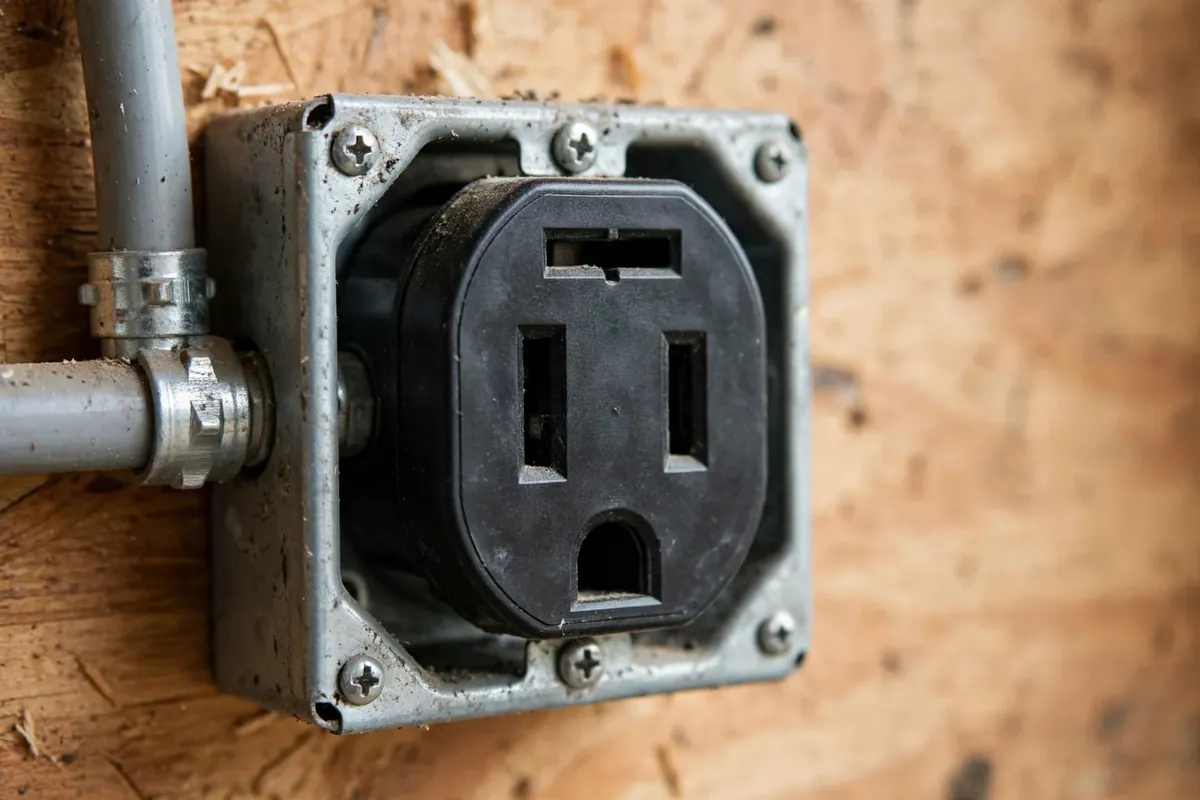
- NEMA 14-50 Outlet vs Hardwired EV Charger: Which Is Right for You?
- DIY vs Professional EV Charger Installation: What's Safe and What's Not
Charger acting up? Call now at (407) 555-0100 — we service and troubleshoot home EV chargers across Orlando, from simple fixes to full EV charger repair.
Sources consulted: EV charger manufacturer maintenance guidance (Tesla, ChargePoint, Emporia); owner troubleshooting threads (Tesla Motors Club, r/evcharging); NEC Article 625 equipment maintenance provisions.